1.3 — Document in Chatter
📍 WHERE TO FIND IT
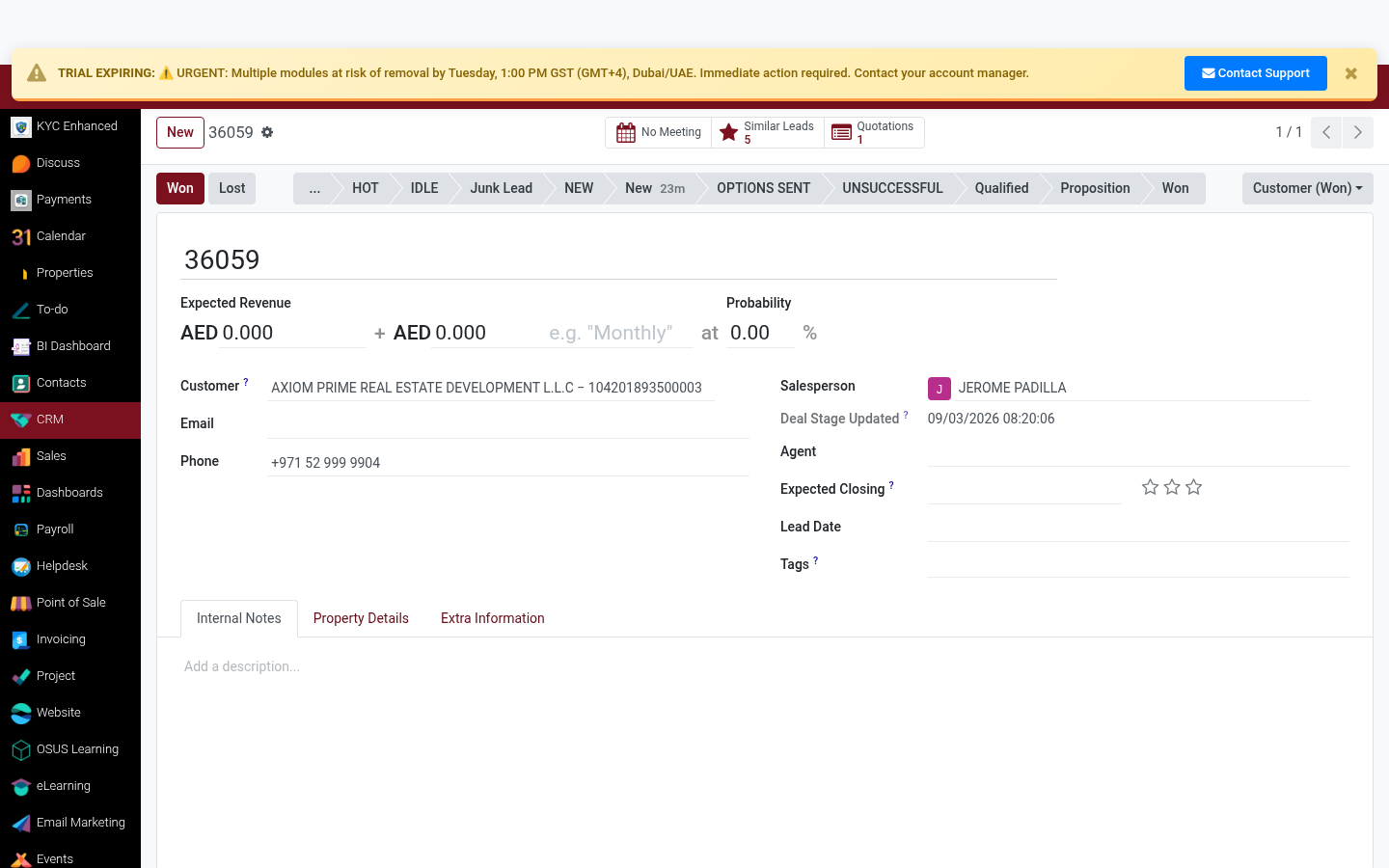
Sales ▸ CRM ▸ Pipeline ▸ [Opportunity] ▸ Mark Won
✅ WHAT TO DO
Click the 'Won' button (top-right) when the deal is confirmed. Enter the closing reason and final revenue in the pop-up.
- Click the green 'Won' button
- Enter the exact sale price in the Expected Revenue field
- Add closing notes for audit trail
💡 TIP
The revenue entered at 'Won' stage feeds into commission calculation. Double-check before confirming.
Rating
Commenting is not enabled on this course.